Meta Quest Study-Abroad Experience
March 2026-Present
A Meta Quest study-abroad experience in Unreal Engine 5, used by WPI students, the provost, and admissions; implemented local 360° video loading and transitions and map-based site selection interface.
The main menu: a curved world map with animated clouds and a pin for each project site
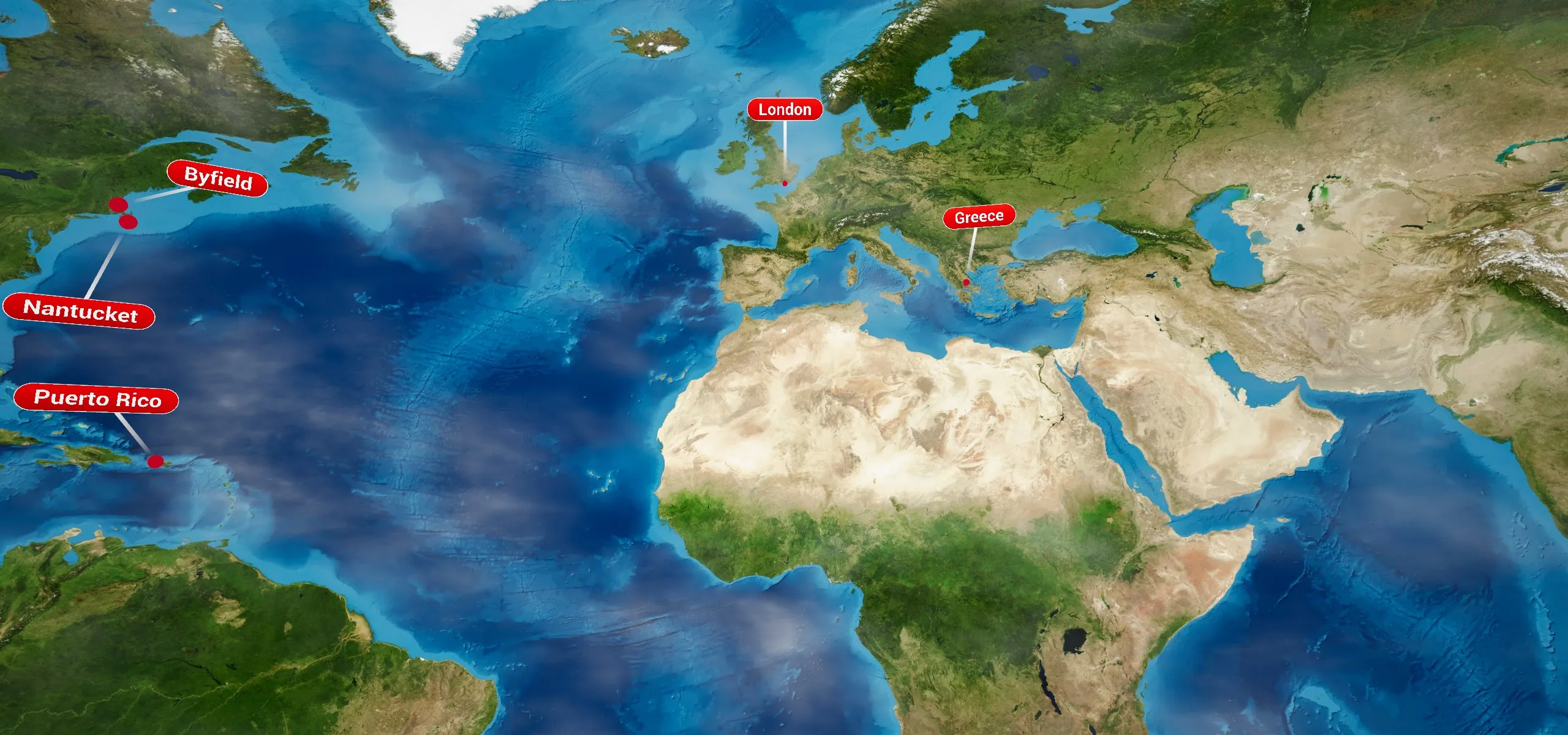
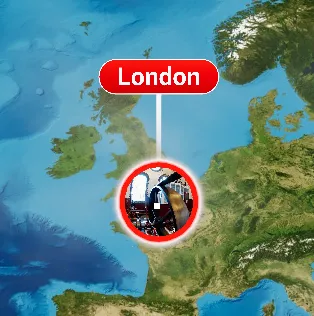
Hovering a pin opens a small preview portal into that site's footage
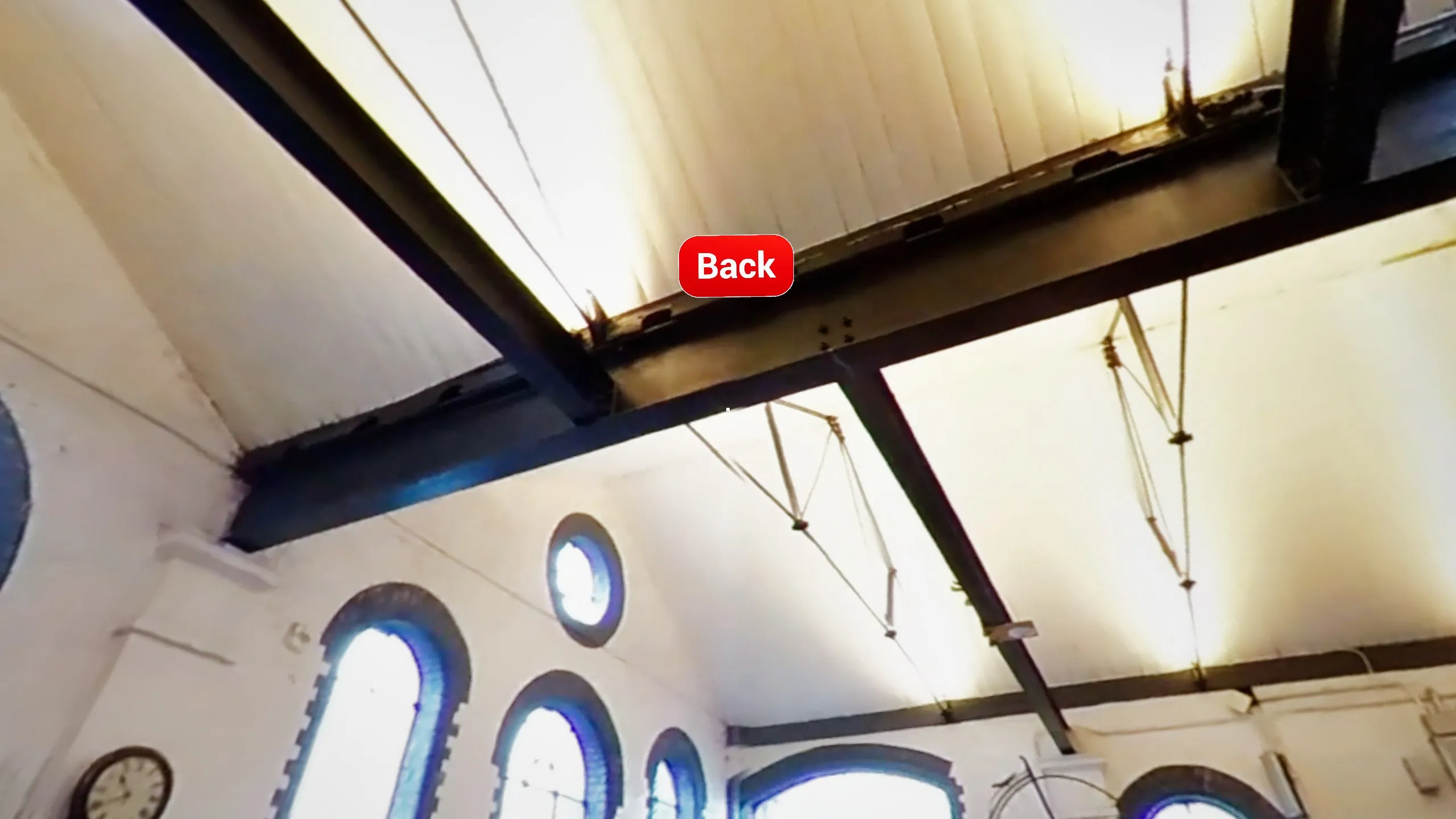
Inside a site's 360° video. Look up to find the Back button
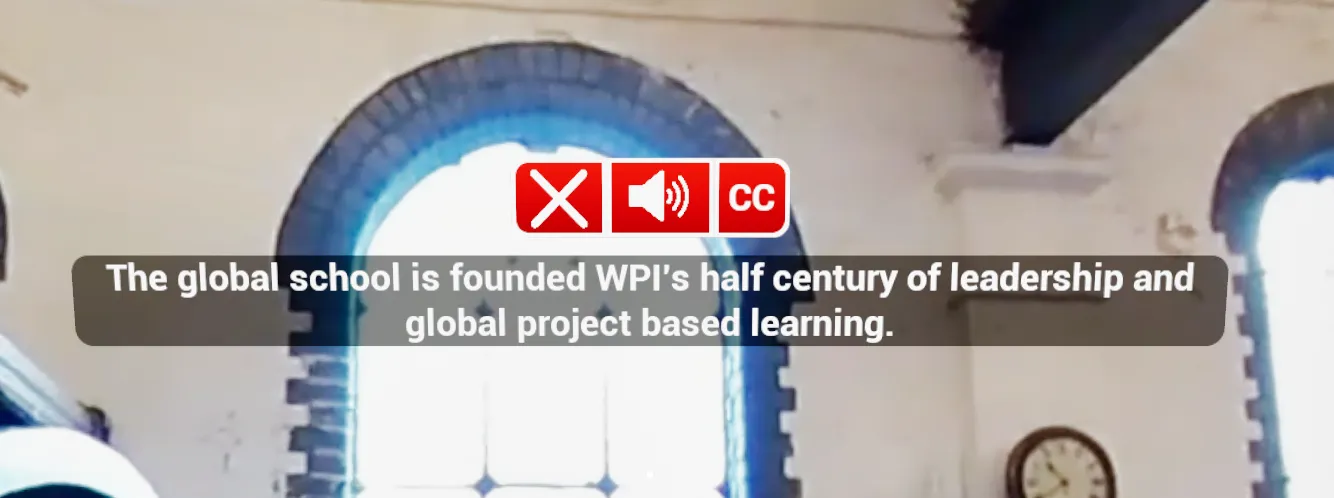
Narrated annotations with subtitles, mute, and closed-caption controls
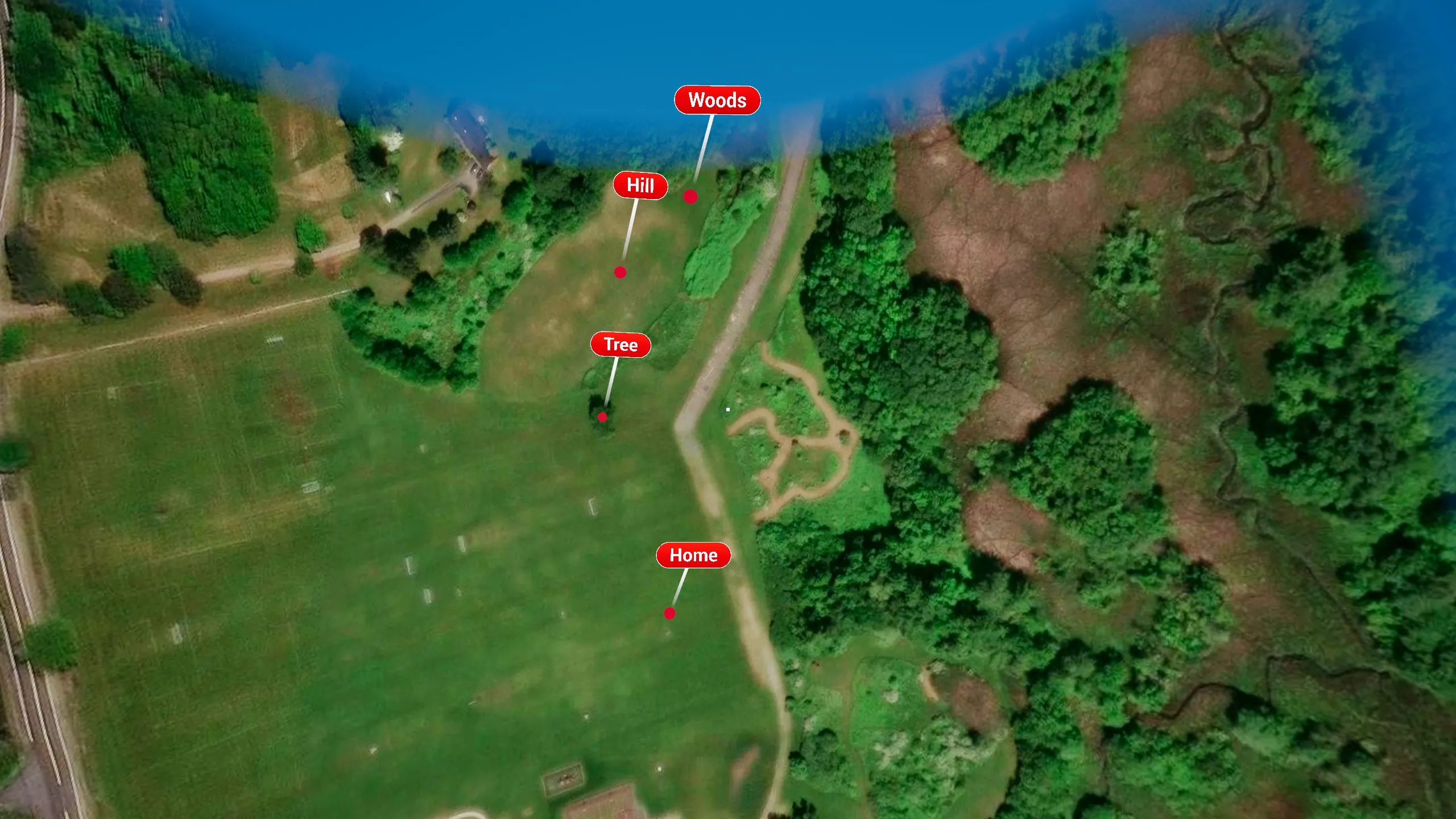
Sites filmed in several places open a satellite subscene map (Manter's Field, Byfield MA)
About this project
I'm an XR Specialist at The Global Lab at WPI. Most WPI students complete an Interactive Qualifying Project (IQP) at a project center somewhere in the world. This app lets people visit those centers from a Meta Quest headset before they go. You pick a site from a world map and you're standing inside 360° footage of it, with narrated annotations explaining what you're looking at. WPI students, the provost, and the admissions office have all used it, so it had to be simple enough for someone who has never worn a headset.
The whole experience runs on one button, the right controller's trigger. You point and click to open a site, open an annotation, or go back.
What I built
Site selection and navigation (Unreal Engine 5, C++ and Blueprints)
- A curved world map with a custom material that adds animated clouds with depth. Pins spread out their labels automatically so nearby sites (like Byfield and Nantucket) don't overlap
- Hover previews: pointing at a pin opens a small portal into that site's footage
- Subscene maps. A site filmed in several places opens a secondary satellite map with its own pins
- A stack-based Back button. It knows whether you came from a video, a subscene map, or the menu, and it cleans up after itself if a scene closes some other way
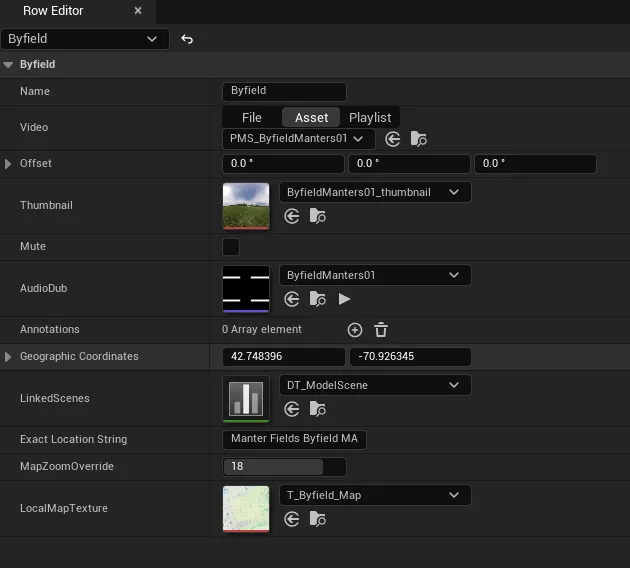
- Data-driven sites. Each location is one row in an Unreal Data Table holding its video, heading offset, thumbnail, narration, annotations, GPS coordinates, and linked subscenes. Adding a new project center takes no code
Map generation tool (C++ editor module)
- An editor tool that takes a place name, looks it up through OpenStreetMap's Nominatim API, works out a zoom level from the bounding box, downloads and stitches Thunderforest map tiles, and saves the result as a texture in the project. Every map in the experience was made with it
360° video and annotations
- Local 360° video loading with smooth transitions. A thumbnail covers the black frames while a video loads
- Annotations: spinning "i" markers placed in the scene that play narration with subtitles. Some play on their own when a scene opens, and each scene has its own set
- A footage pipeline: a Python/ffmpeg script splits narration off the videos so it can play separately in-engine, and a PowerShell script registers new footage so it gets packaged into the Quest build
- Fixed Quest-specific rendering problems. Dithered temporal AA was still visible at zero opacity on the headset
Spectator client (Node.js + Three.js)
Only one person can wear the headset, so I built a web client that lets everyone else in the room follow along on a laptop or TV:
- It plays the same 360° video in the browser. The headset streams its camera orientation to the client as raw binary quaternions over a WebSocket, so the view matches the headset wearer's
- It mirrors subtitles, the world and location maps, which pin is selected, and a live cursor showing where the user is pointing
- A Node.js relay server finds the headset automatically over the LAN (UDP discovery), requires a token and a viewer password, and reconnects on its own if the connection drops
- A one-click portable Windows build that bundles its own Node runtime, so staff can run it without installing anything
Handoff documentation
I wrote the project's full documentation so the next person can maintain it. It covers adding a site, extracting footage from the Insta360 camera, transcoding in HandBrake, building and sideloading to the Quest, the helper scripts, and troubleshooting.
A site's row in the Data Table. Adding a location only takes filling in these fields
What I'm working on right now
- Adding new project centers as footage comes back (recently Zurich and more Puerto Rico subscenes)
- Polishing map placement and depth so the menu reads more clearly in the headset
Tools and technology
- Unreal Engine 5 (C++ and Blueprints), Meta XR plugin, Android/Quest packaging
- Node.js, WebSockets, Server-Sent Events, UDP discovery
- Three.js, GLSL shaders, Vite
- OpenStreetMap Nominatim and Thunderforest tile APIs
- Python + ffmpeg, PowerShell, HandBrake
- Git + Git LFS